
Appliances & Electronics
How Much Electricity Does a Gaming PC Use?
Gaming, idle and sleep power for real builds, plus monitors — and what that adds to your monthly bill.
3 min read
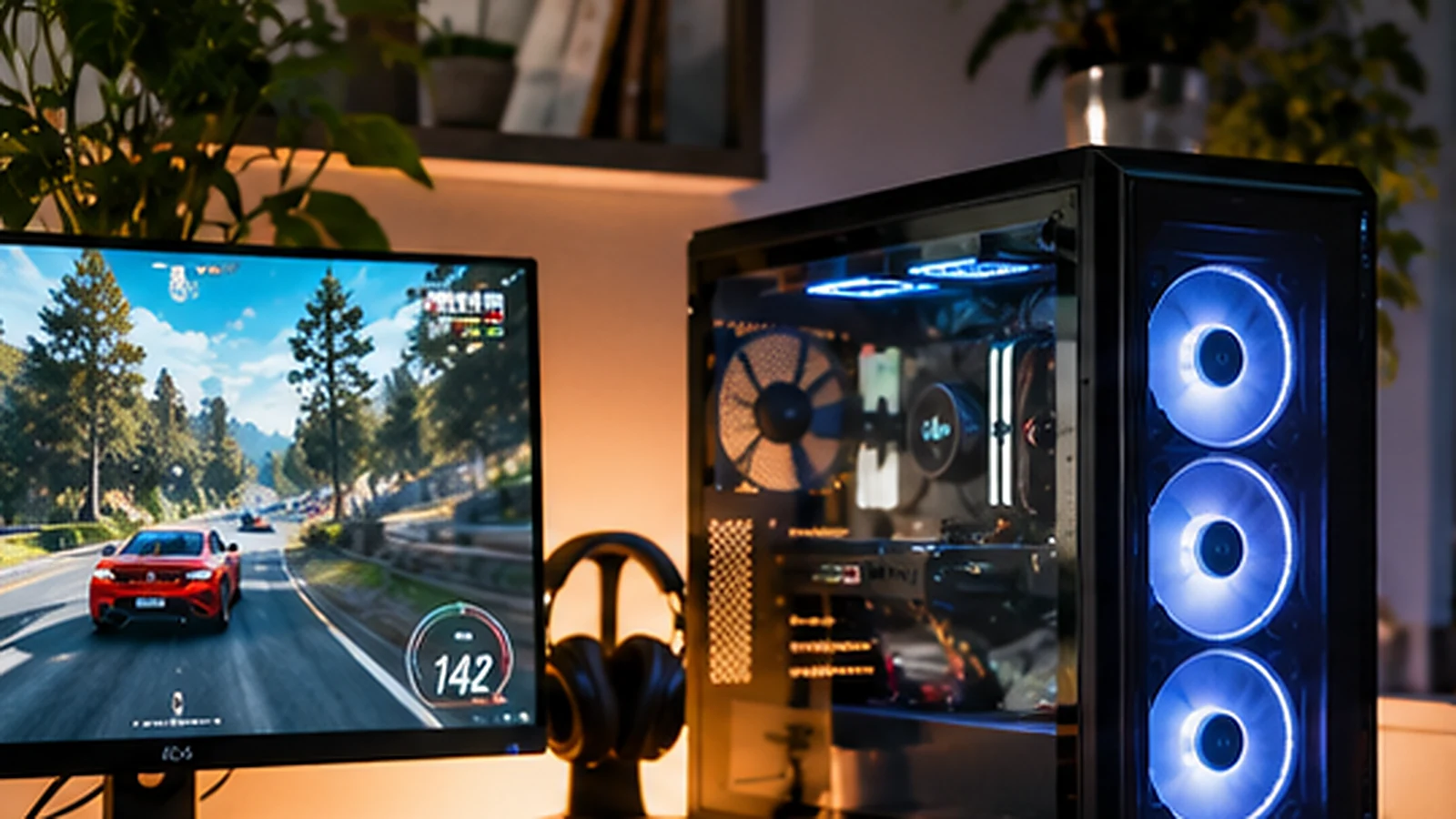
A gaming PC doesn't use one fixed amount of electricity. Its draw changes with the game, graphics settings, hardware, frame-rate limits and whether it's actively gaming, idling or asleep. As a simple example, a computer averaging 350 watts while gaming for three hours a day consumes 31.5 kWh in 30 days, costing $5.67 at a sample $0.18/kWh electricity rate. The monitor and other peripherals add to that total.
Calculate each operating mode separately
Energy (kWh) = watts ÷ 1,000 × hours. Add the results for gaming, idle and other modes, then multiply by the utility price.
Consider a hypothetical setup with the following measured average draws at the wall, not the CPU or GPU component's advertised power:
| Mode | Power | Daily time | Daily energy |
|---|---|---|---|
| Gaming | 350 W | 3 hours | 1.05 kWh |
| Desktop idle | 70 W | 3 hours | 0.21 kWh |
| Sleep | 5 W | 18 hours | 0.09 kWh |
| Total PC | 24 hours | 1.35 kWh |
Over 30 days, that is 40.5 kWh or $7.29 at $0.18/kWh. Now add a 40-watt monitor on for six hours daily: 7.2 kWh per month or $1.30. The combined example is about $8.59 per 30 days.
Why a 750-watt power supply doesn't mean 750 watts of consumption
A power supply's wattage rating generally indicates how much power it is designed to deliver, not what the PC draws continuously. Actual wall consumption depends on component load and power supply efficiency. A GPU rated at a certain board power also does not represent the entire system's wall draw.
Measure with a meter rated for the load, or estimate separate modes based on credible testing of a comparable complete system. High refresh rates, uncapped frame rates and demanding rendering workloads can increase gaming consumption. Browsing the web, video playback and sitting on the desktop usually have different power profiles.
Does sleep mode save meaningful electricity?
Compare states rather than assuming sleep means zero watts. If a PC averaged 70 W while idle for 18 hours a day, that would consume 37.8 kWh over 30 days; at $0.18/kWh it costs $6.80. At an assumed 5 W in sleep for those same 18 hours, it would use 2.7 kWh, costing $0.49. The difference in this example is $6.32 per month. Actual sleep and idle power vary widely by system and settings.
Set an appropriate display timeout and sleep schedule, particularly if the machine sits unused overnight. If your PC hosts services, downloads or background tasks, account for those needs before changing settings.
Don't forget peripherals and your actual rate
Multiple displays, speakers, a streaming capture setup and networking gear can add consumption. Measure them individually if their contribution matters to your budget. Estimate the incremental electricity charge using your variable utility rate. Time-of-use pricing can change the cost of evening gaming even when the kWh is identical.
About the examples: Dollar amounts in this guide use explicitly stated sample rates, not a claim about your local utility's current price. Electric rates, taxes, fees, and usage patterns differ. For context, the U.S. Energy Information Administration reports a residential average revenue of 18.19 cents per kWh for January–August 2026; that national aggregate is not a substitute for your bill's marginal rate. EIA, Electric Power Monthly.
For a tailored breakdown, use the Gaming PC Electricity Cost Calculator. If you want a refresher on watts versus kWh, see how to calculate appliance running costs. The number to watch is the average power at the wall during real use, not the biggest wattage printed on your hardware box.
Sources and further reading
More on appliances & electronics
Appliances & Electronics
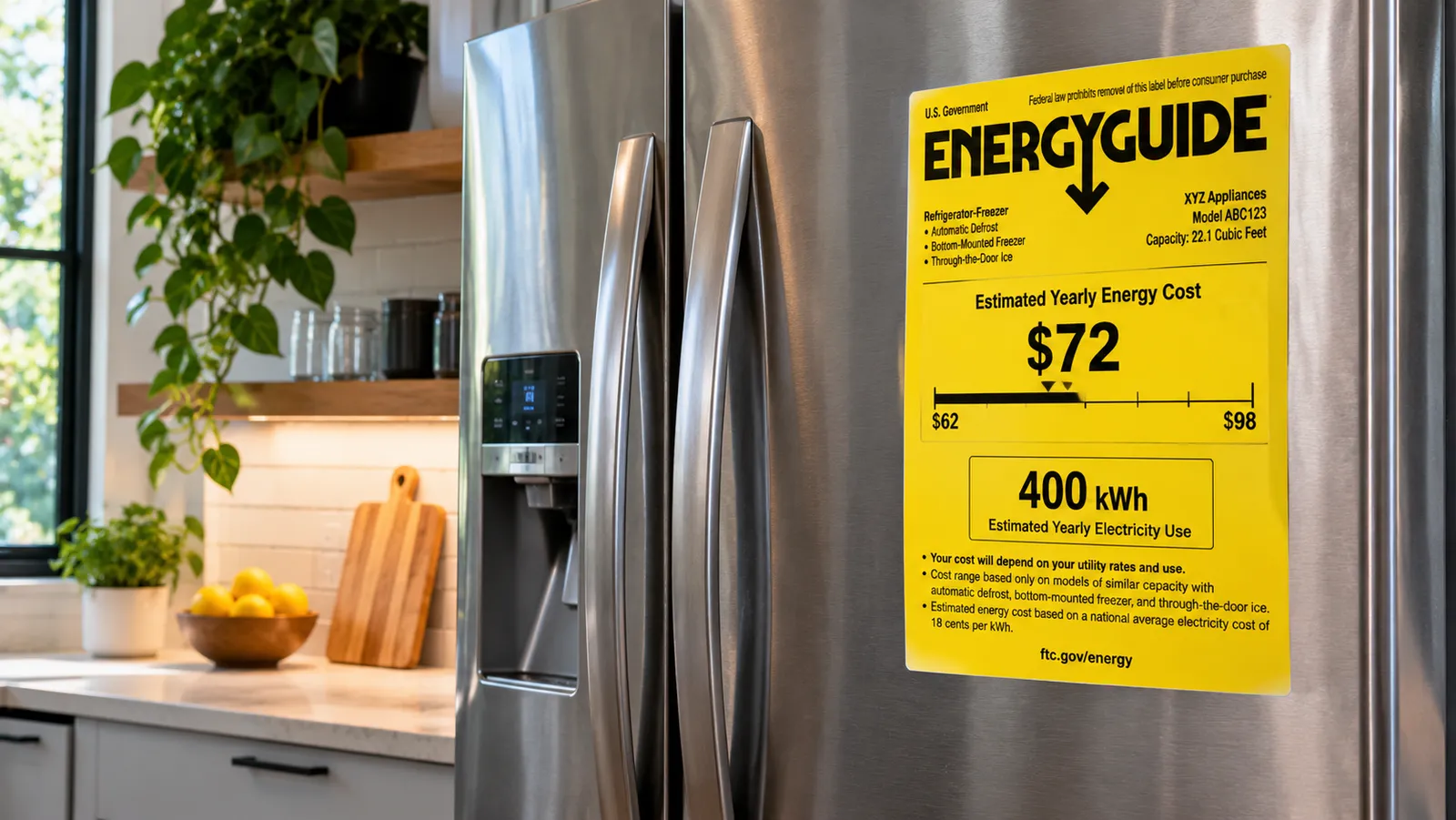
How Much Electricity Does a Refrigerator Use?
Why a fridge's yearly kWh matters more than its wattage, and what newer and older models cost to run.
3 min read
Appliances & Electronics
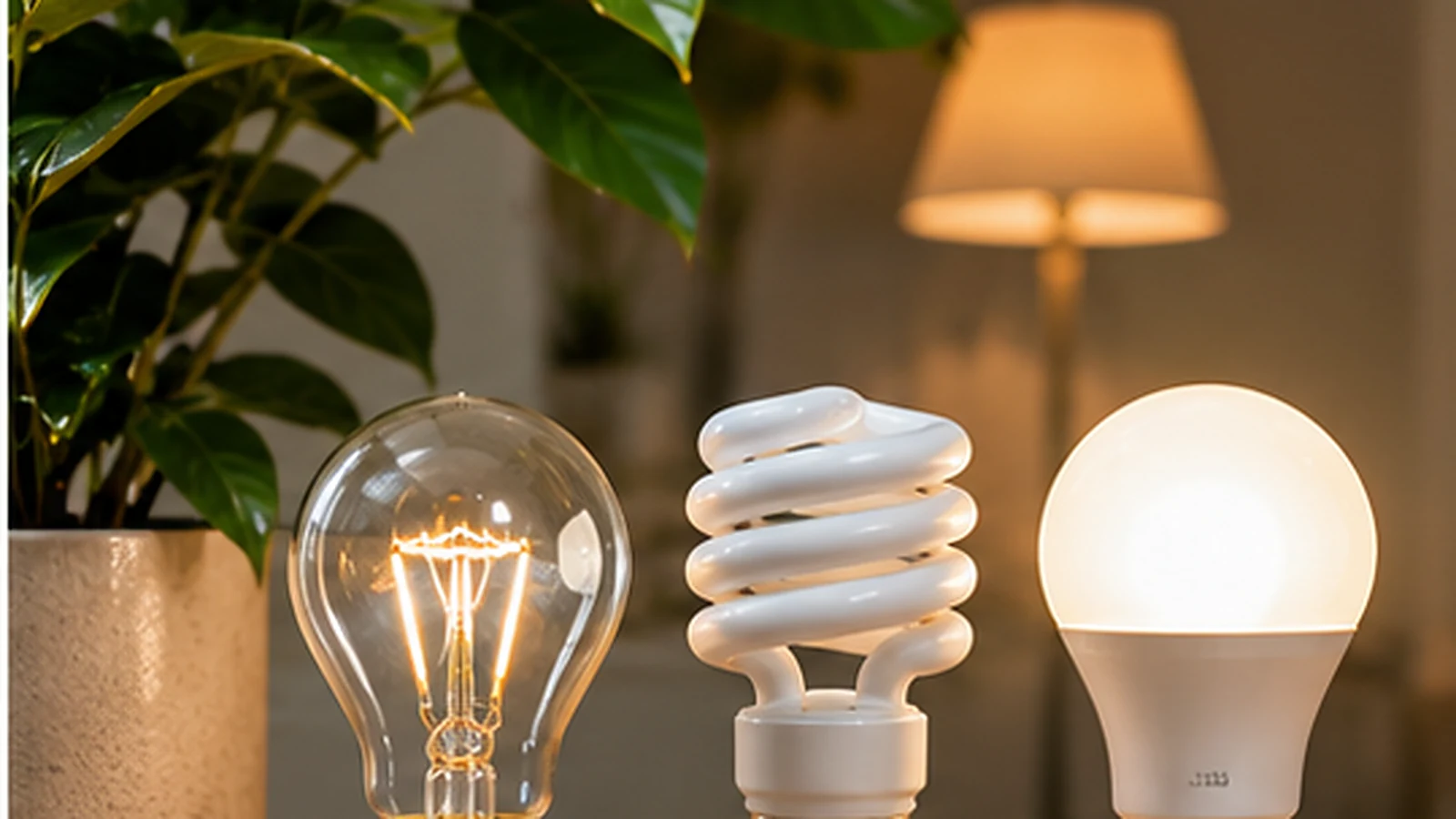
How Much Does It Cost to Run LED Lights?
LED vs. CFL vs. incandescent at the same brightness, and how quickly switching pays for itself.
3 min read